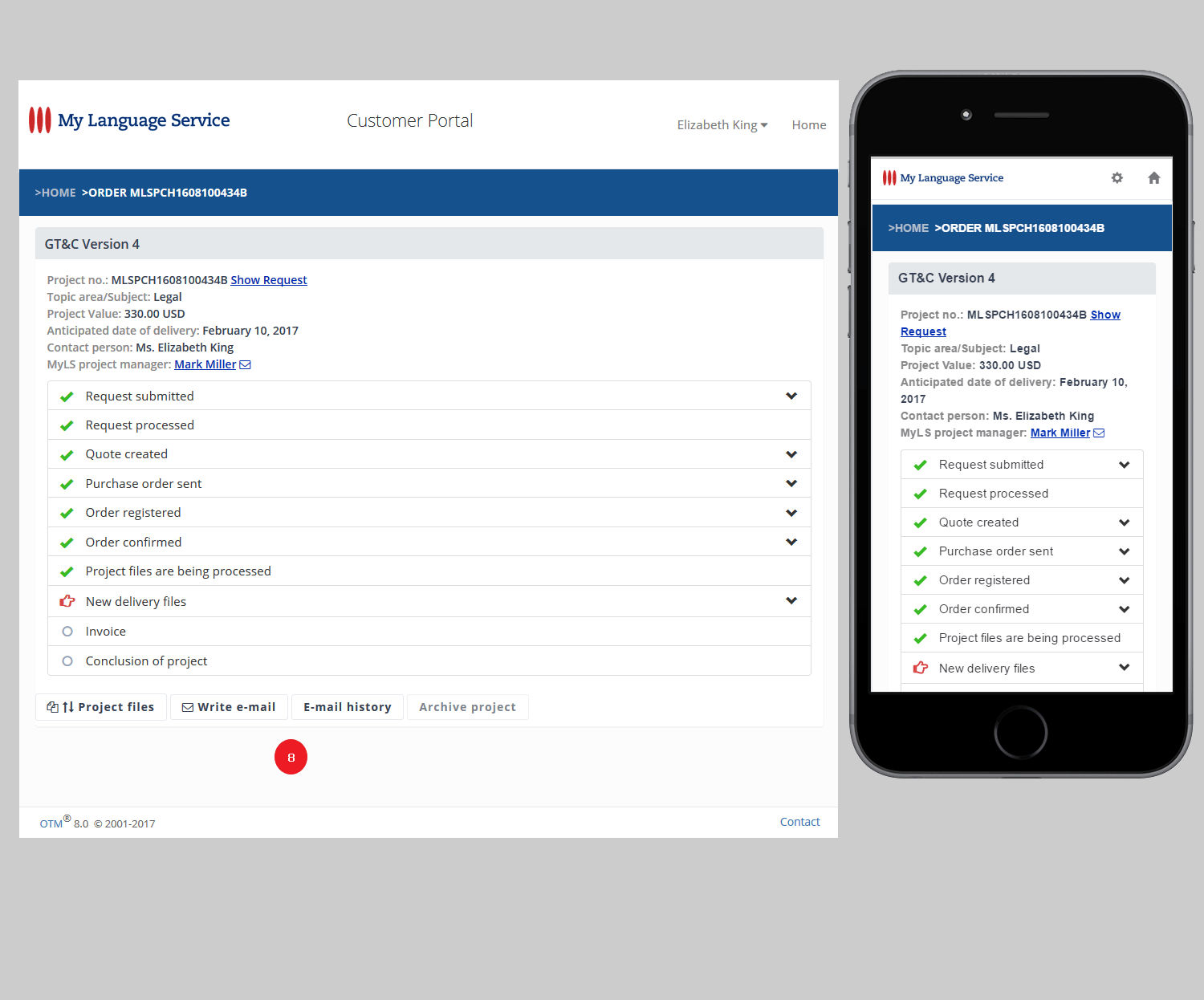
For use on laptop/desktop computers and mobile devices | all browsers | MAC, PC, Linux
The OTM customer portal is available in 12 languages.
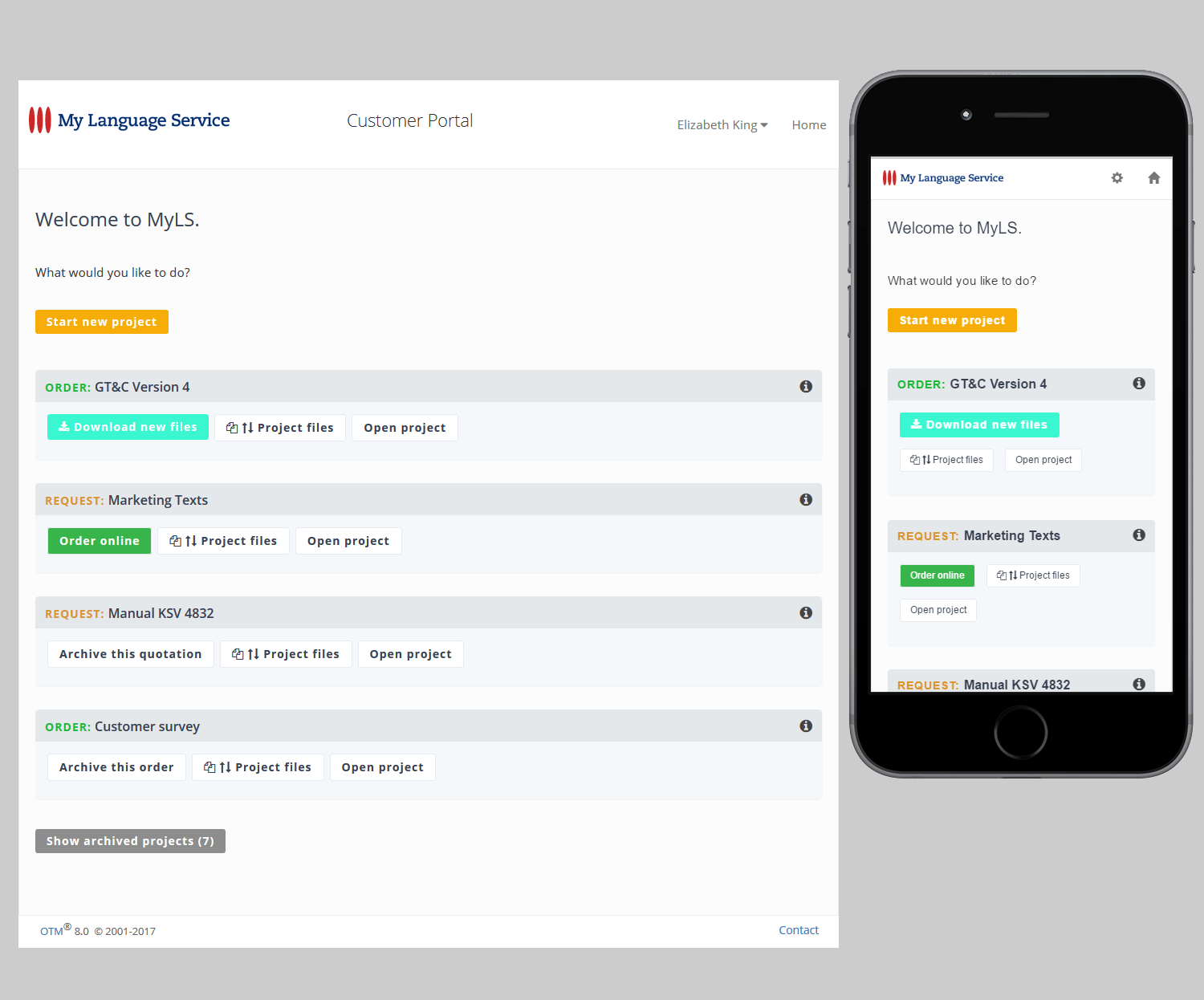
1. In the "Settings" menu you can change your data and password.
Customer portal administrators see additional functions for administrating the contact persons of their company.
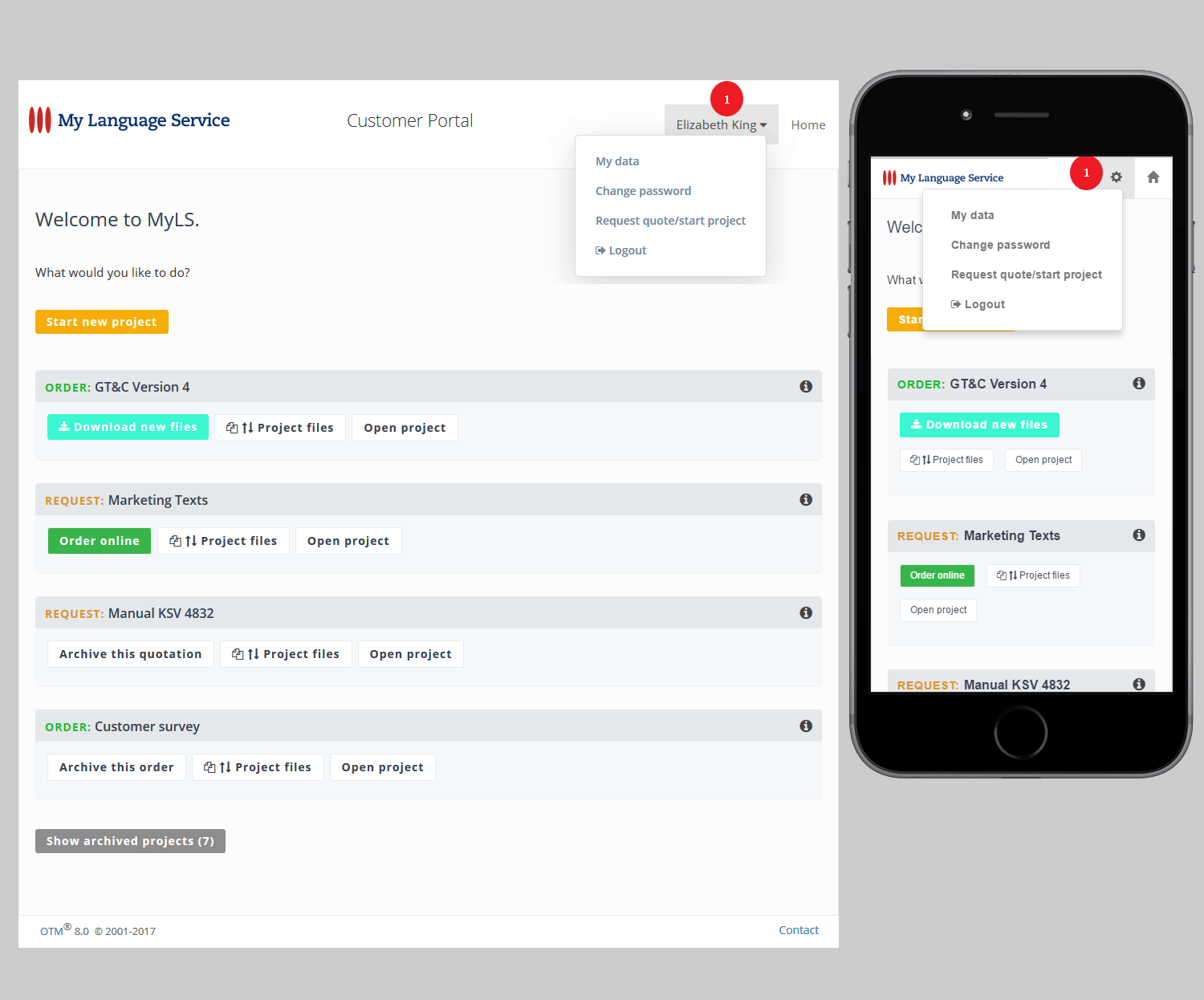
2. In the list of "Current projects" some buttons only appear if a specific action is possible or required. Click one of these buttons if you want to go to the page where you can perform the suggested action.
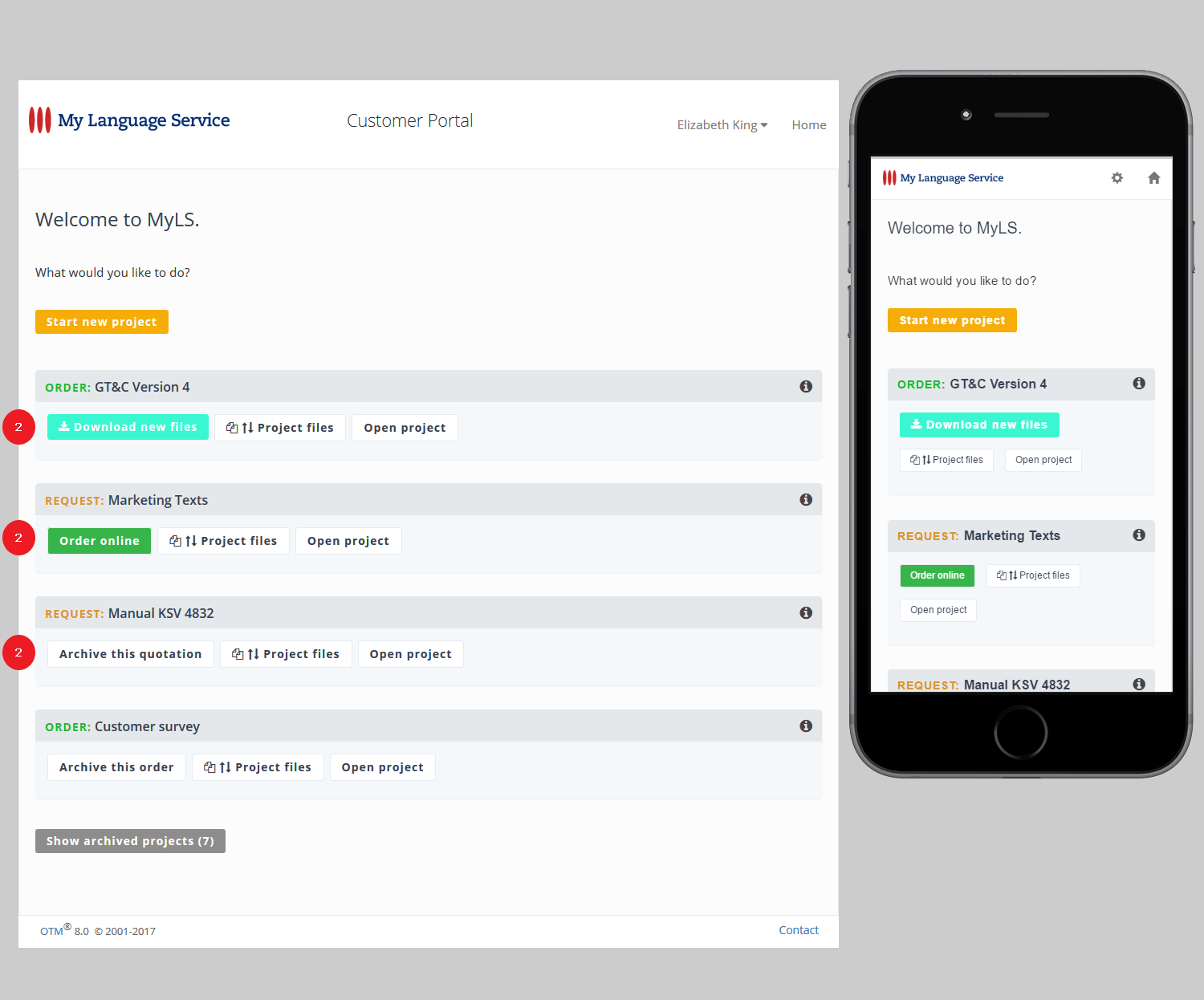
3. The button "Project files" is always visible. It takes you to the page where you can upload files to your project and download files that have been delivered to you.
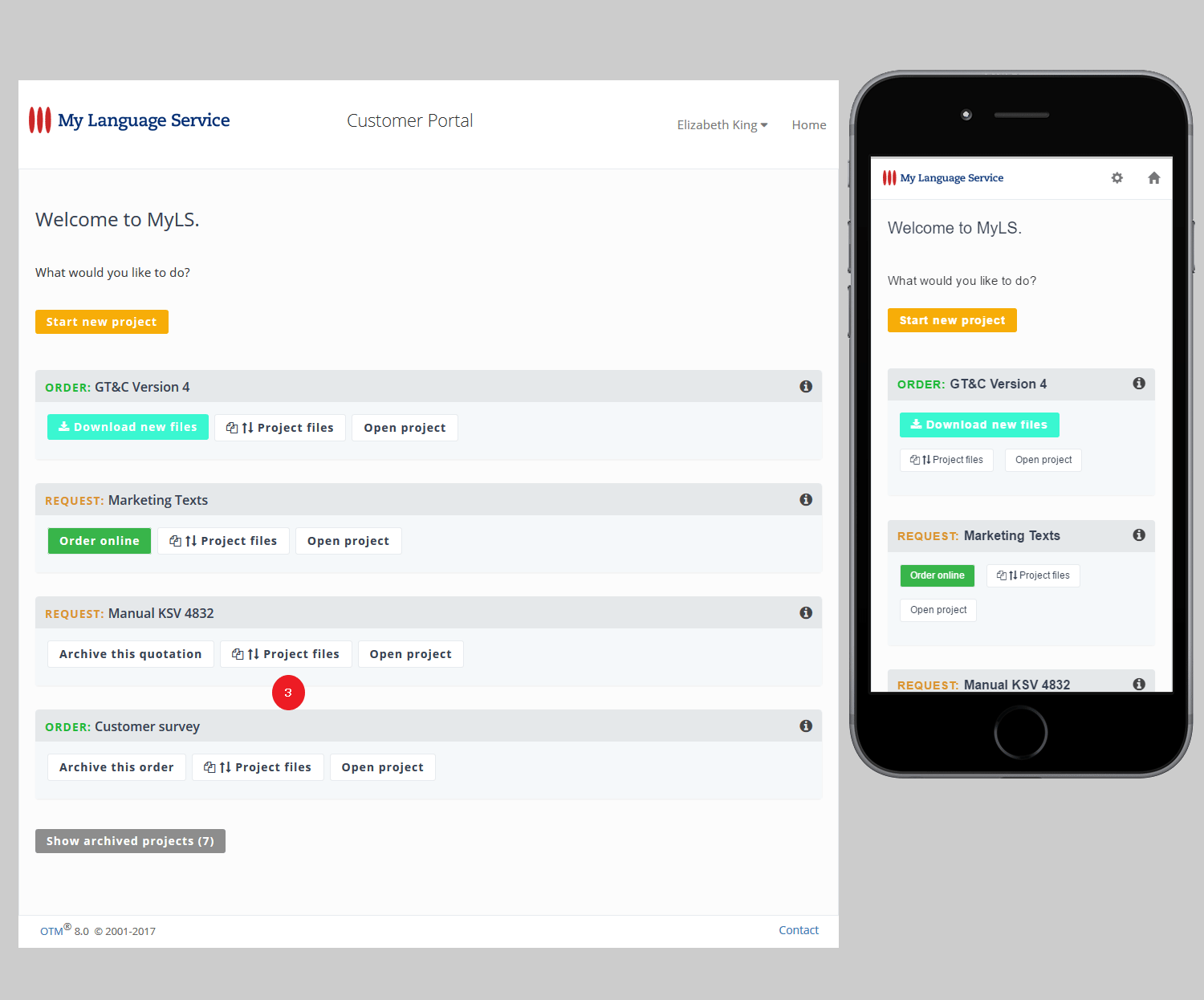
4. If the project that you are looking for is not included in the list of "Current projects", the project has been archived and is available under "Archived projects".
If colleagues in your company have OTM accounts as well, it is also possible, that an administrator has switched a project to one of them.
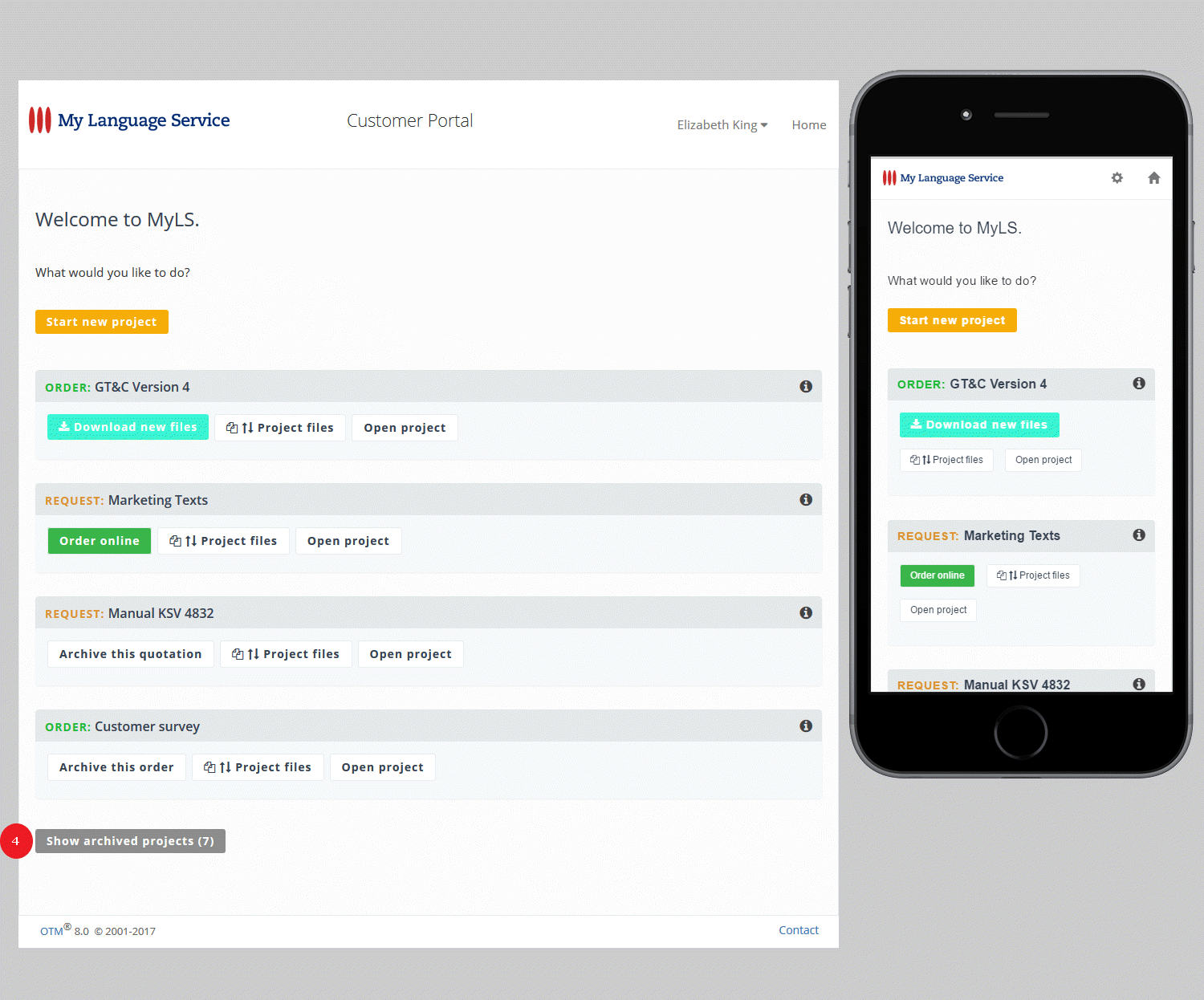
5. The button "Open project" is always visible and takes you to …
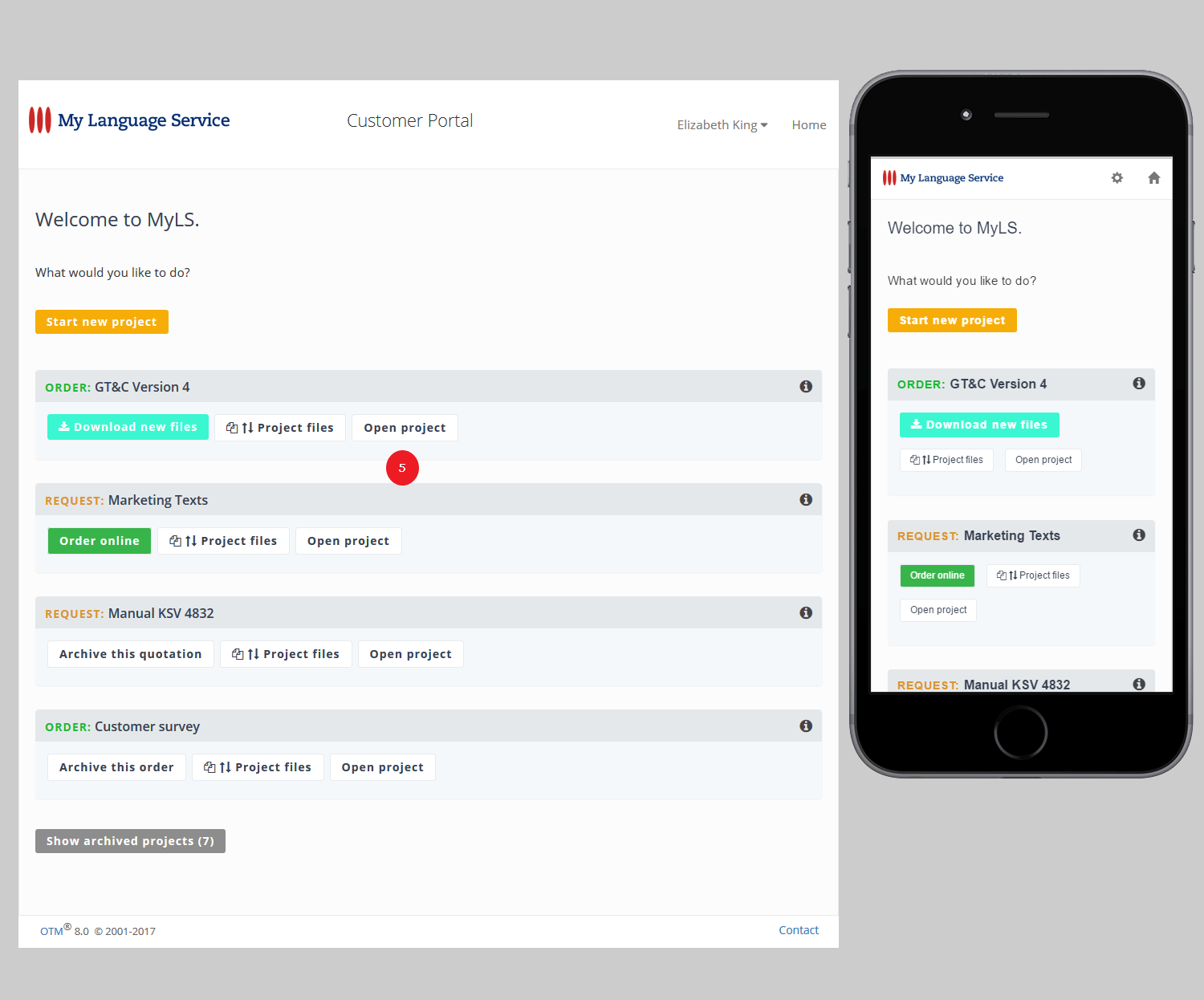
… an overview of all available project information.
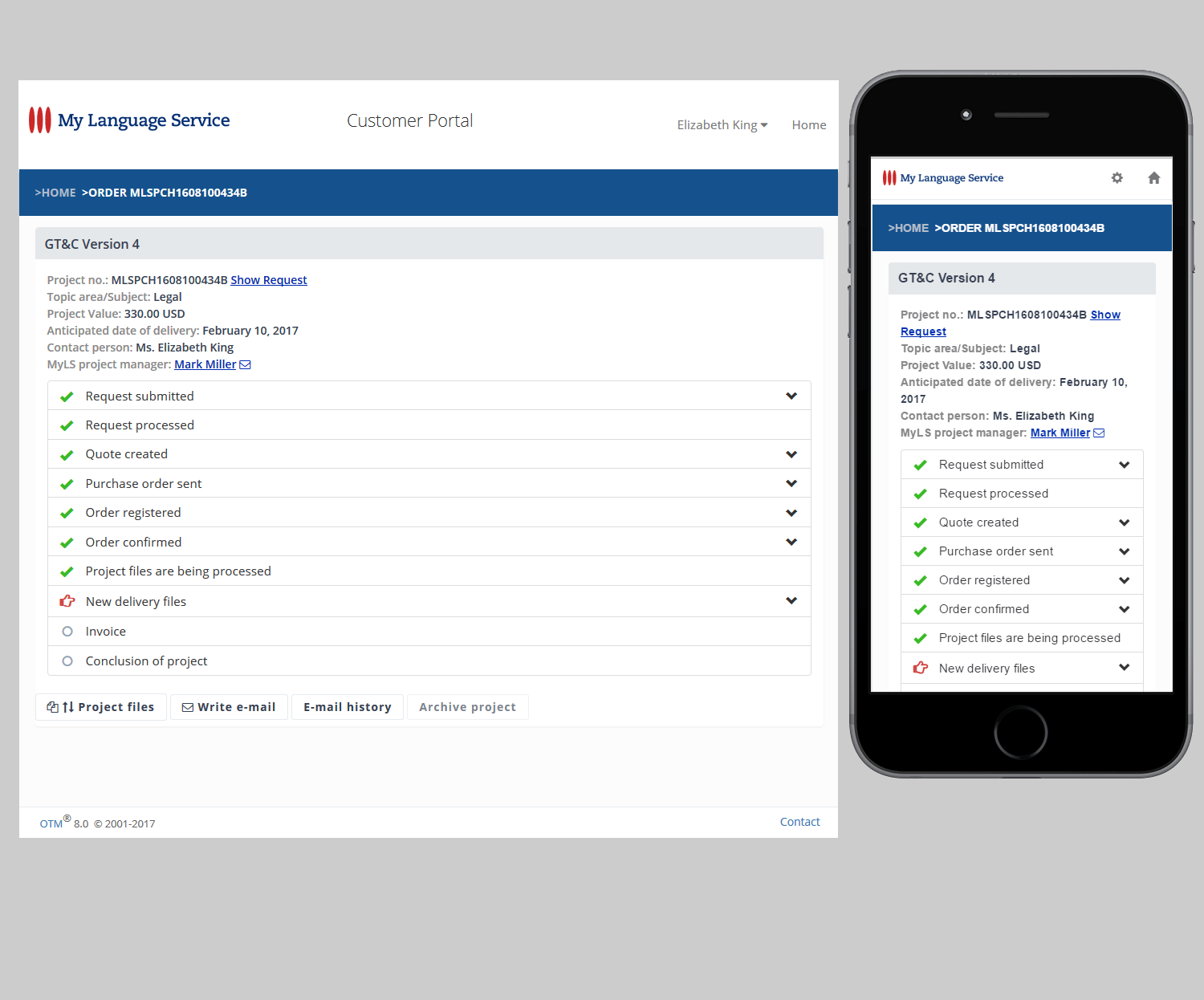
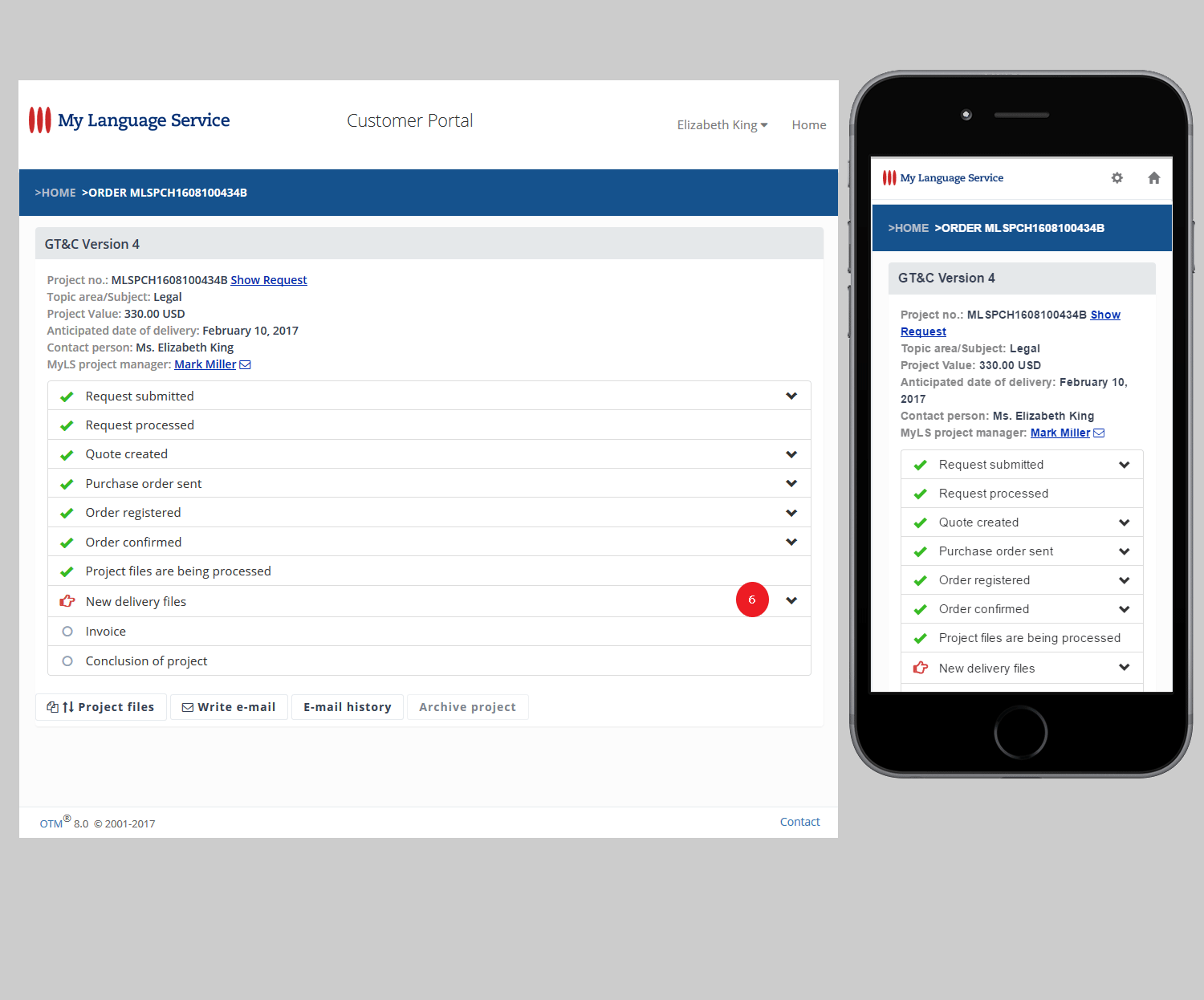
6. To display more information on a specific project step click the "Arrow down" symbol.
7. Once you have opened a particular project you can navigate by using the breadcrumb navigation in the title bar.
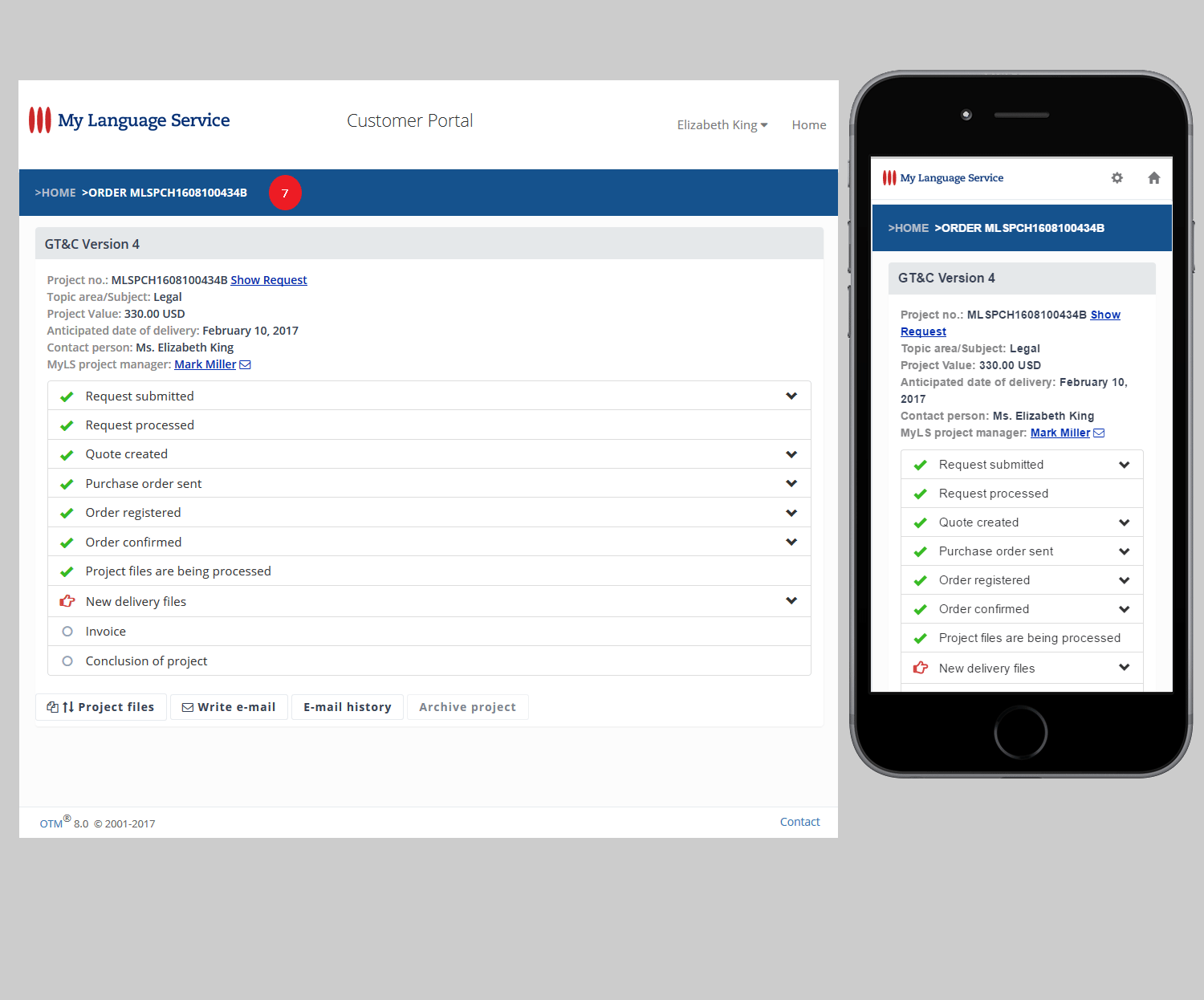
8. The buttons at the bottom of the page take you to several information pages and functionalities, such as writing e-mails or looking at the completed e-mail exchange in the (searchable) e-mail history.