
Keep up to date all the time while out of the office and traveling.
Use OTM project management functions on the iPhone® and iPod touch®.
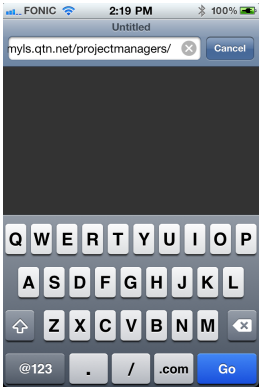
 Open Safari, enter
your project manager URL and tap "Go".
Open Safari, enter
your project manager URL and tap "Go".
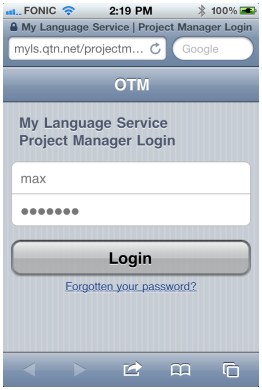
 Enter your user name and password, tap the login button.
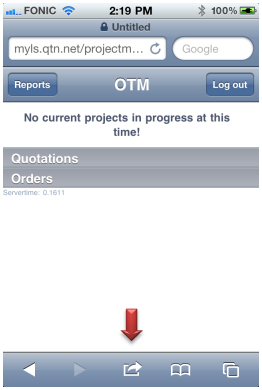
 Once you are logged in tap the
 Go To icon.
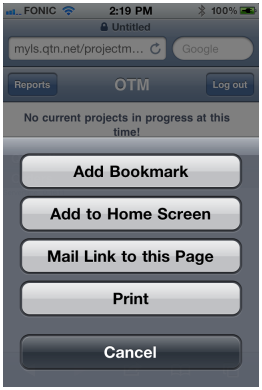
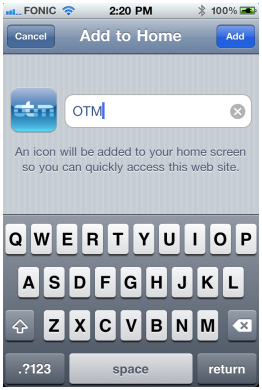
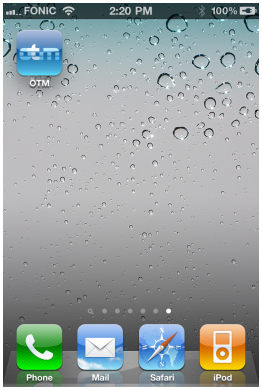
 Choose "Add to Home Screen".
 Enter a name for the new icon
 and tap "Add". There you are!